Aws Ecs

Hey, I am Nidhish Malav i am a aspiring cloud enthusiast who is eager to embark on a journey into the world of cloud computing. With a strong passion for technology and a keen interest in cloud-based solutions, I am driven to learn and contribute to the ever-evolving field of cloud computing. As a student of Computer Science, I acquired a solid foundation in fundamental programming concepts, networking, and system administration.
What is AWS ECS?
Organisations may quickly deploy, manage, and scale containerized applications with Amazon Elastic Container Services (Amazon ECS), a fully managed container orchestration service.
Without the hassle of controlling a control plane, you can operate and expand your container workloads across AWS Regions both on-premises and in the cloud.
Features of ECS
Cluster management
Compatibility with Docker
Task Definition
Scheduling
Monitoring and logging
ECS Layers

Creating Cluster
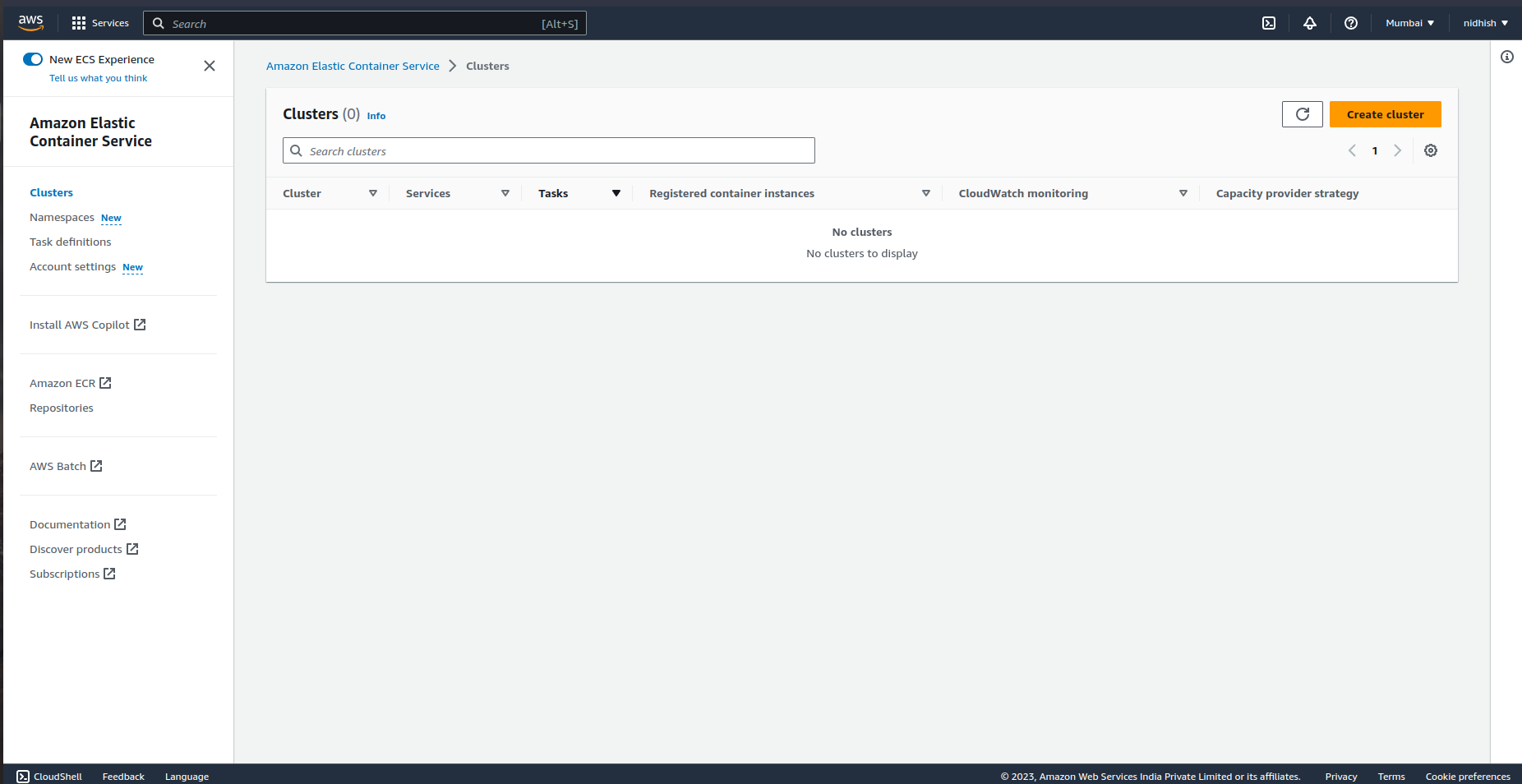
Click on Create cluster
Give a name to your cluster and don't change the network settings.

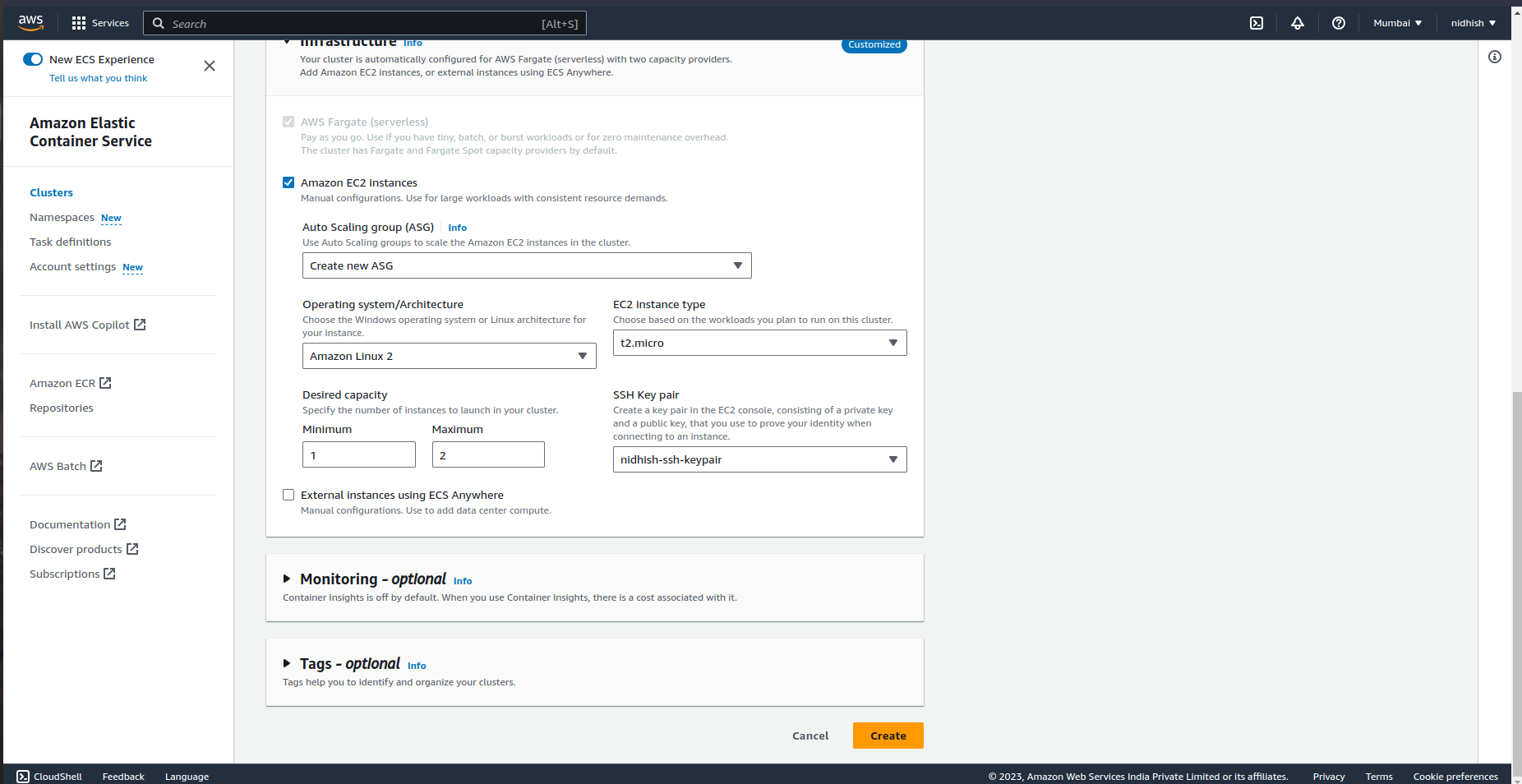
Follow the infrastructure shown below.
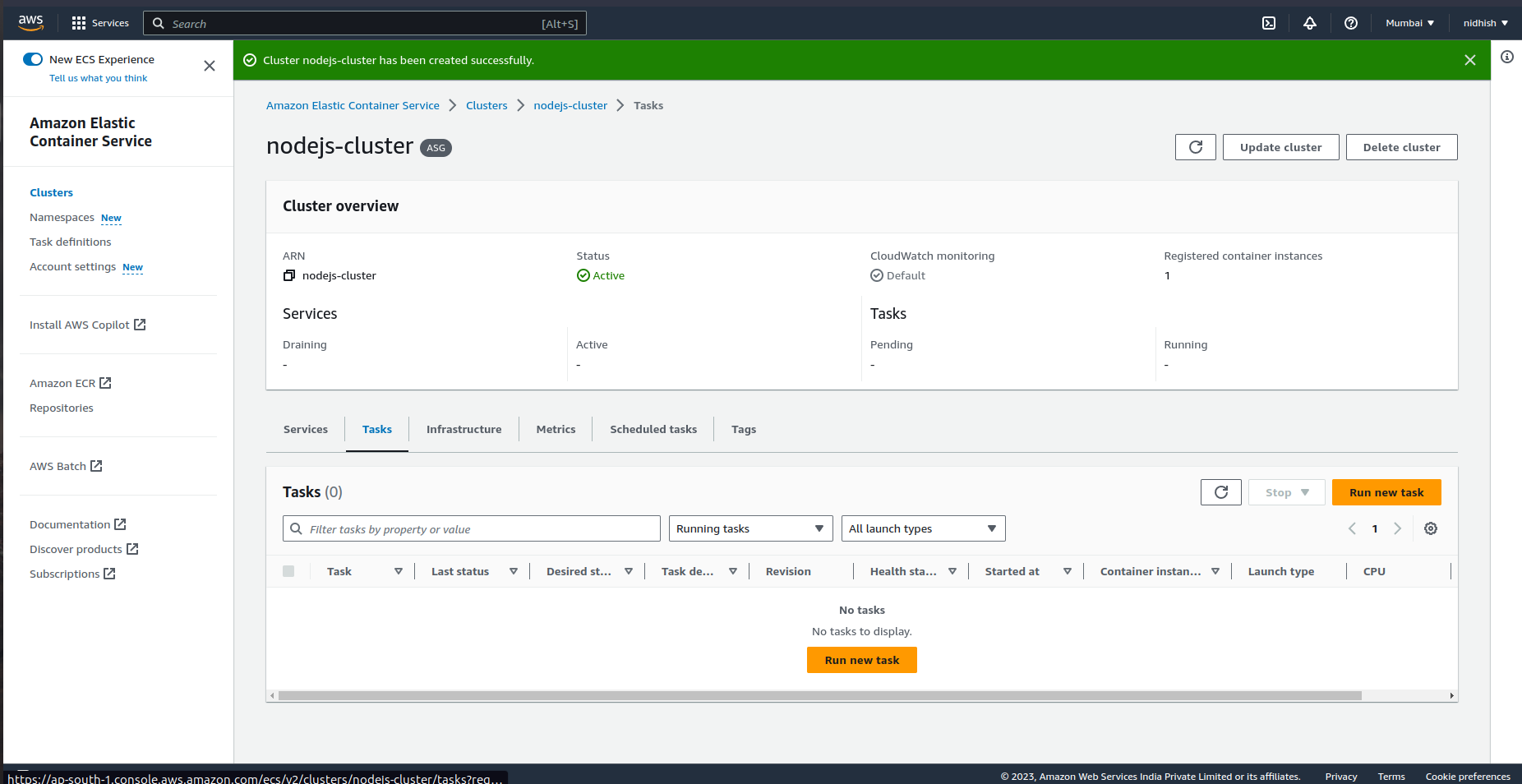
Your cluster will be created.
To run the container create a container in task defination their you will get the option for selecting the existing docker image to create a container from it.


