Creating AWS IAM User

Hey, I am Nidhish Malav i am a aspiring cloud enthusiast who is eager to embark on a journey into the world of cloud computing. With a strong passion for technology and a keen interest in cloud-based solutions, I am driven to learn and contribute to the ever-evolving field of cloud computing. As a student of Computer Science, I acquired a solid foundation in fundamental programming concepts, networking, and system administration.
What is an IAM user?
In IAM, a resource with corresponding credentials and permissions is known as an IAM user. IAM users can represent either a person or an application that utilises their login information to send AWS requests. Normally, this is referred to as a service account.
Why do we need IAM user?
Shared access to your AWS account
Granular permissions
Secured access to AWS sources
Multi-factor authentication (MFA)
Identity Federation
How to Create an IAM User?
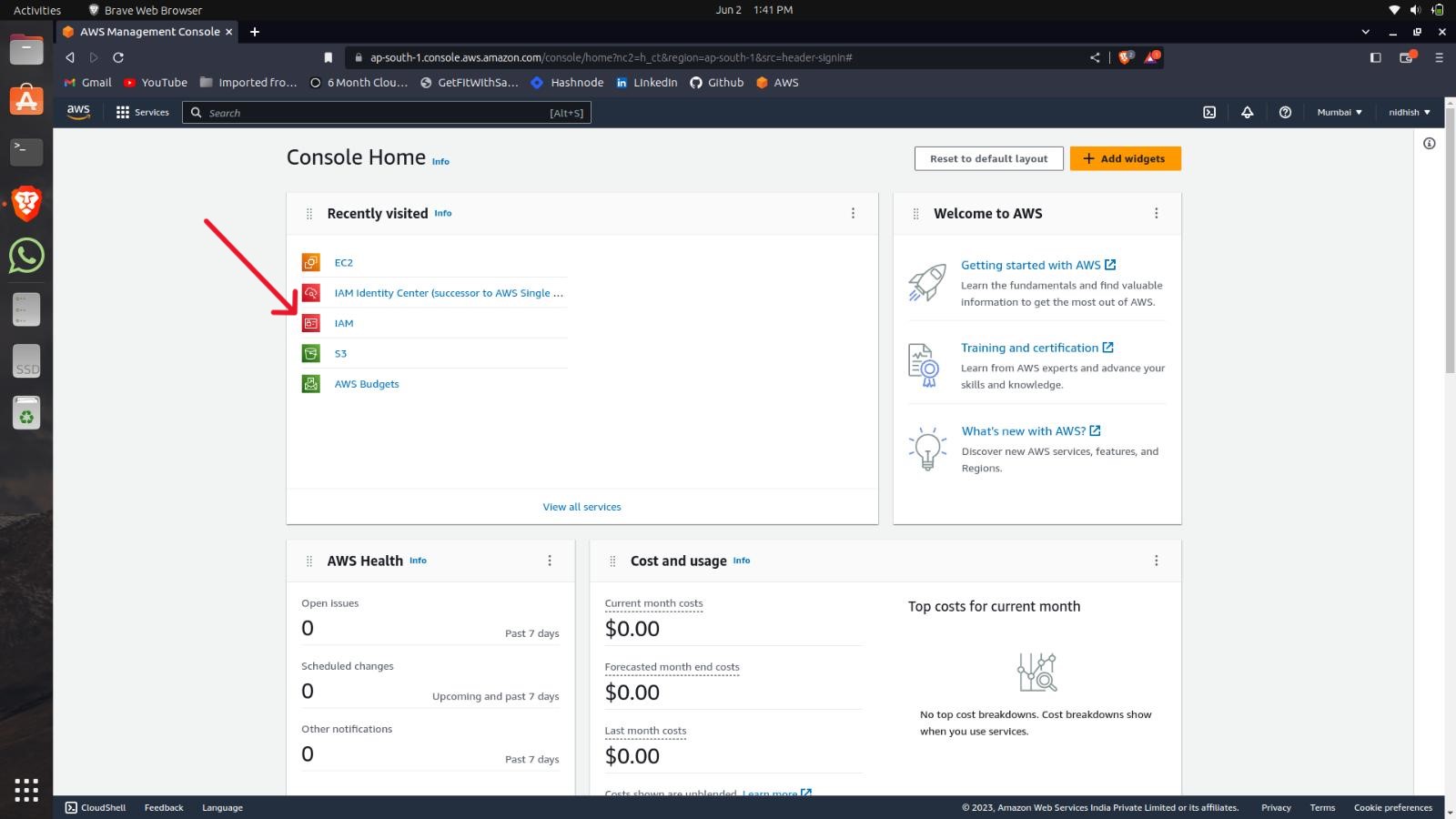
Firstly go to the AWS Console dashboard.
Select the IAM tool.
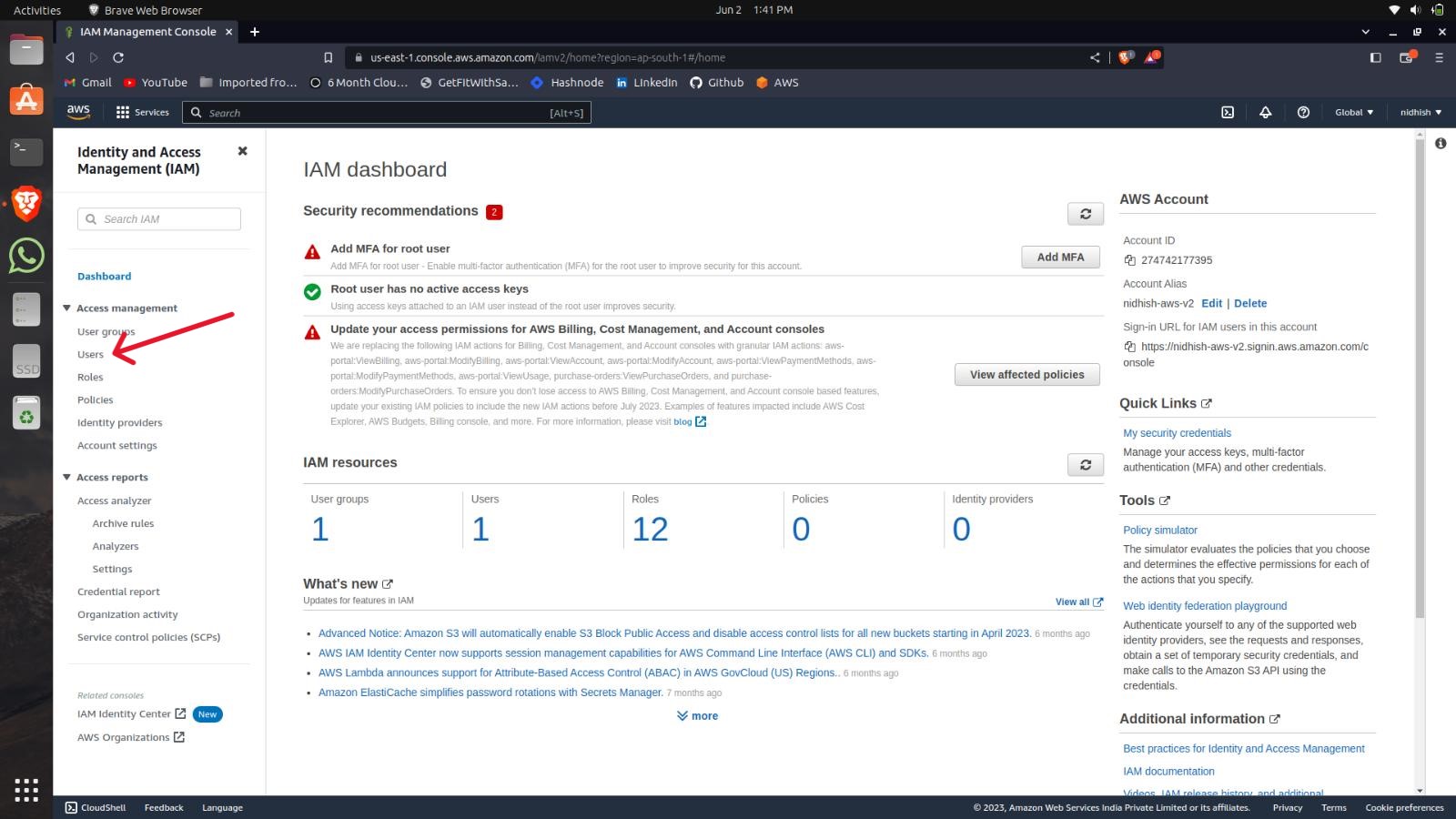
Click on the users to create a user.
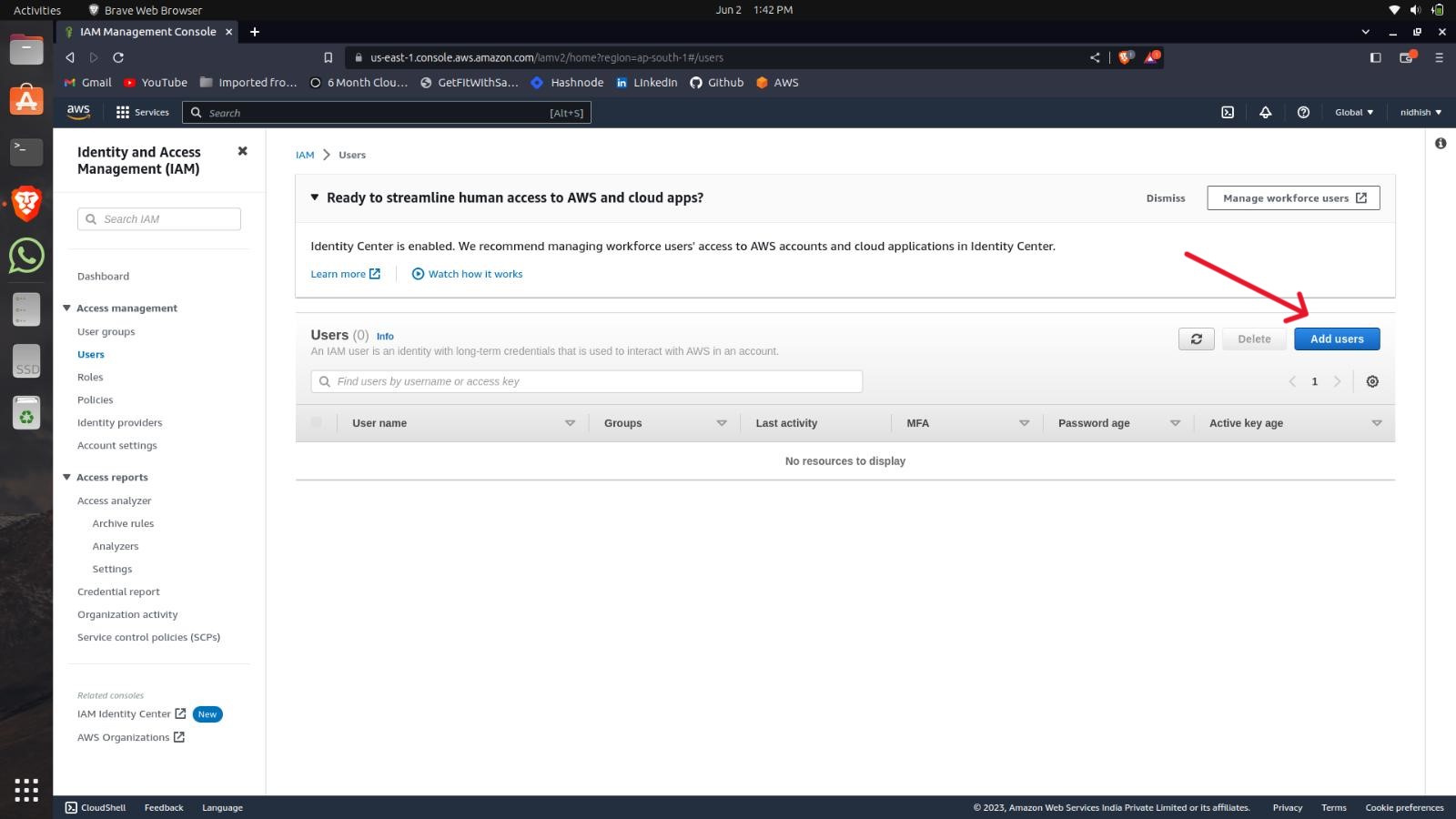
Then click on add a user to create a new IAM user.
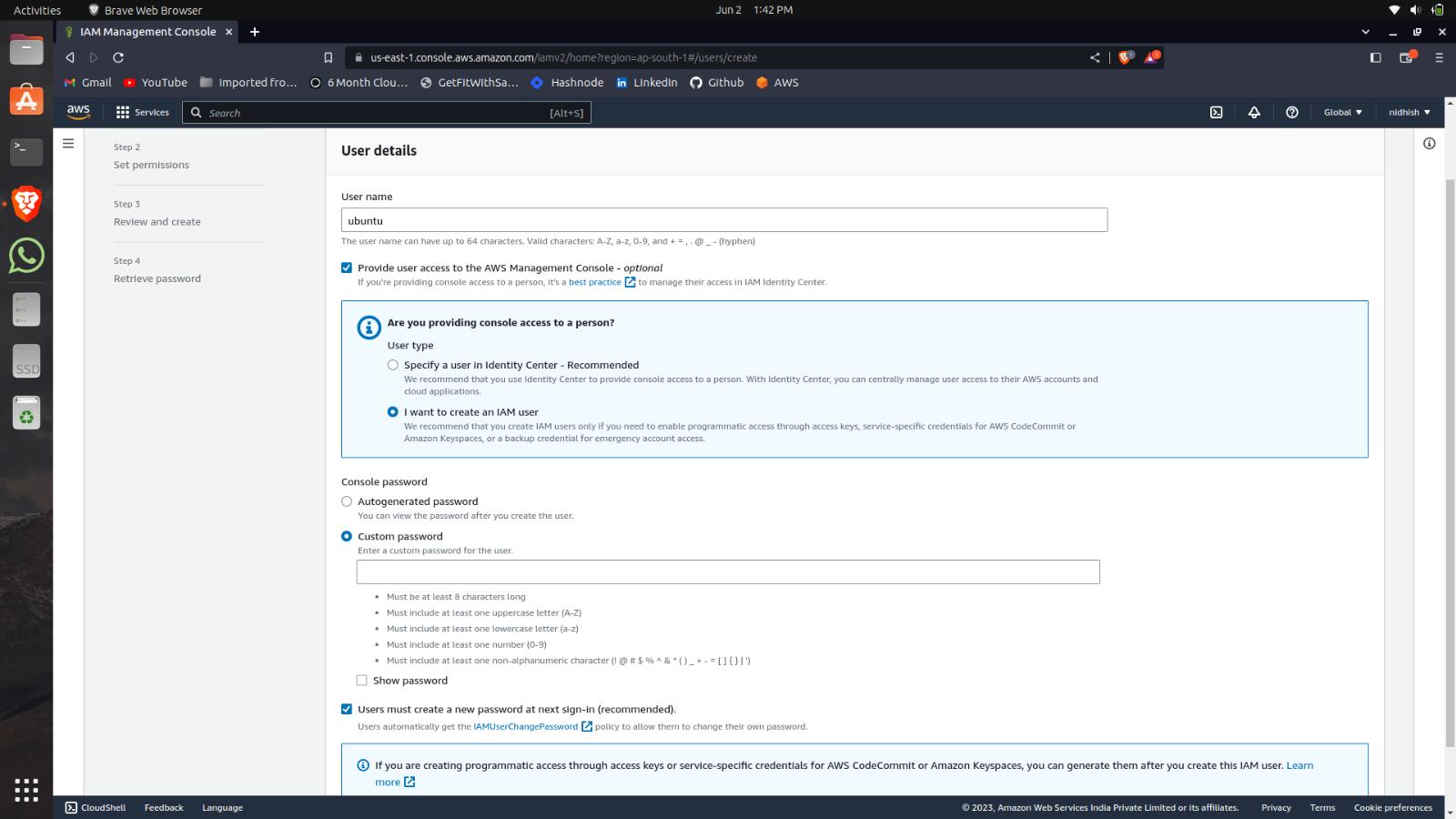
Give a name to the user as per your choice and select (I want to create an IAM user)and set the password of your choice.
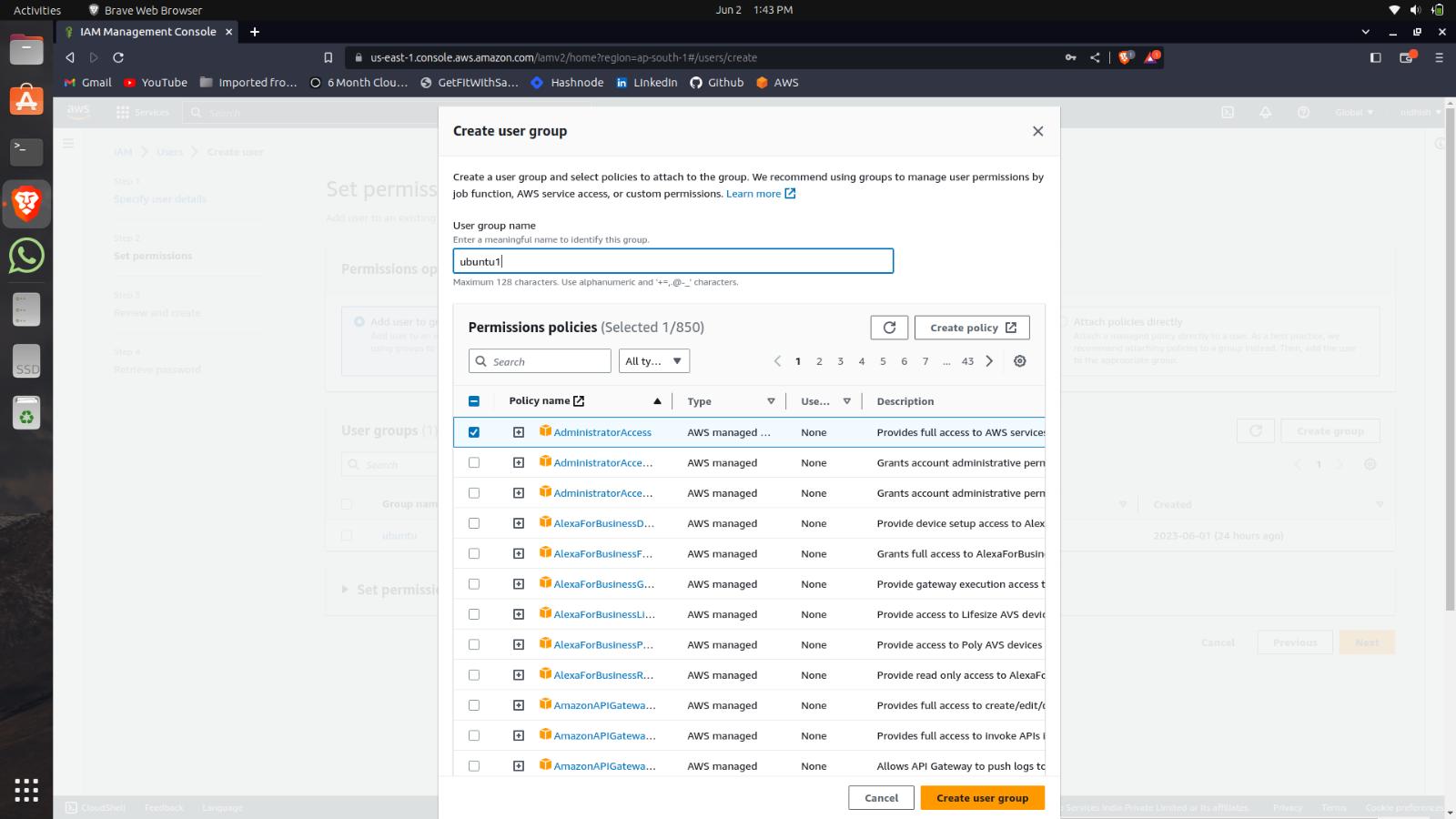
After this create a group of the policy that contains the permissions of the tools which an IAM user can access.
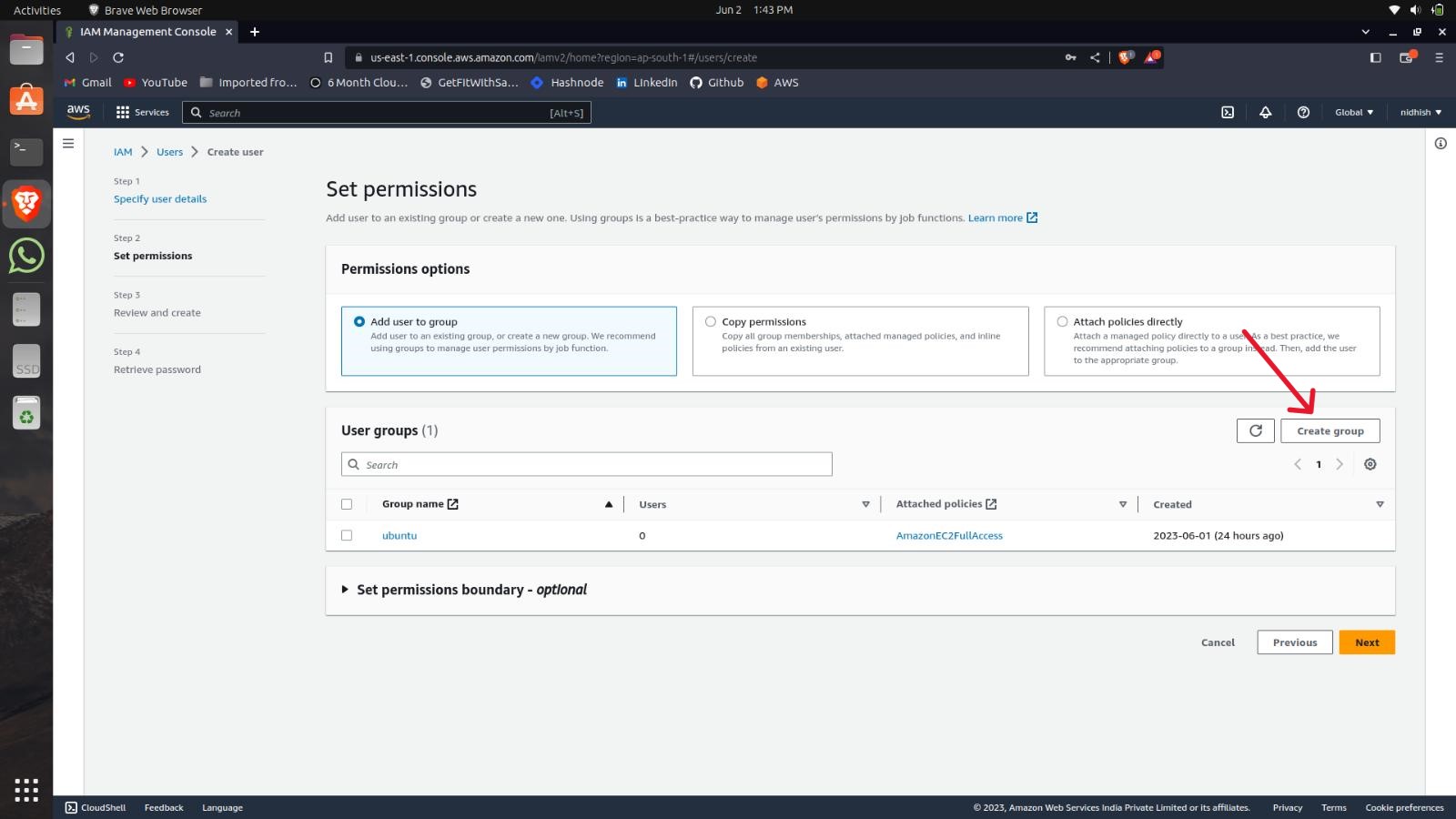
Give a name to the group and select the policies.
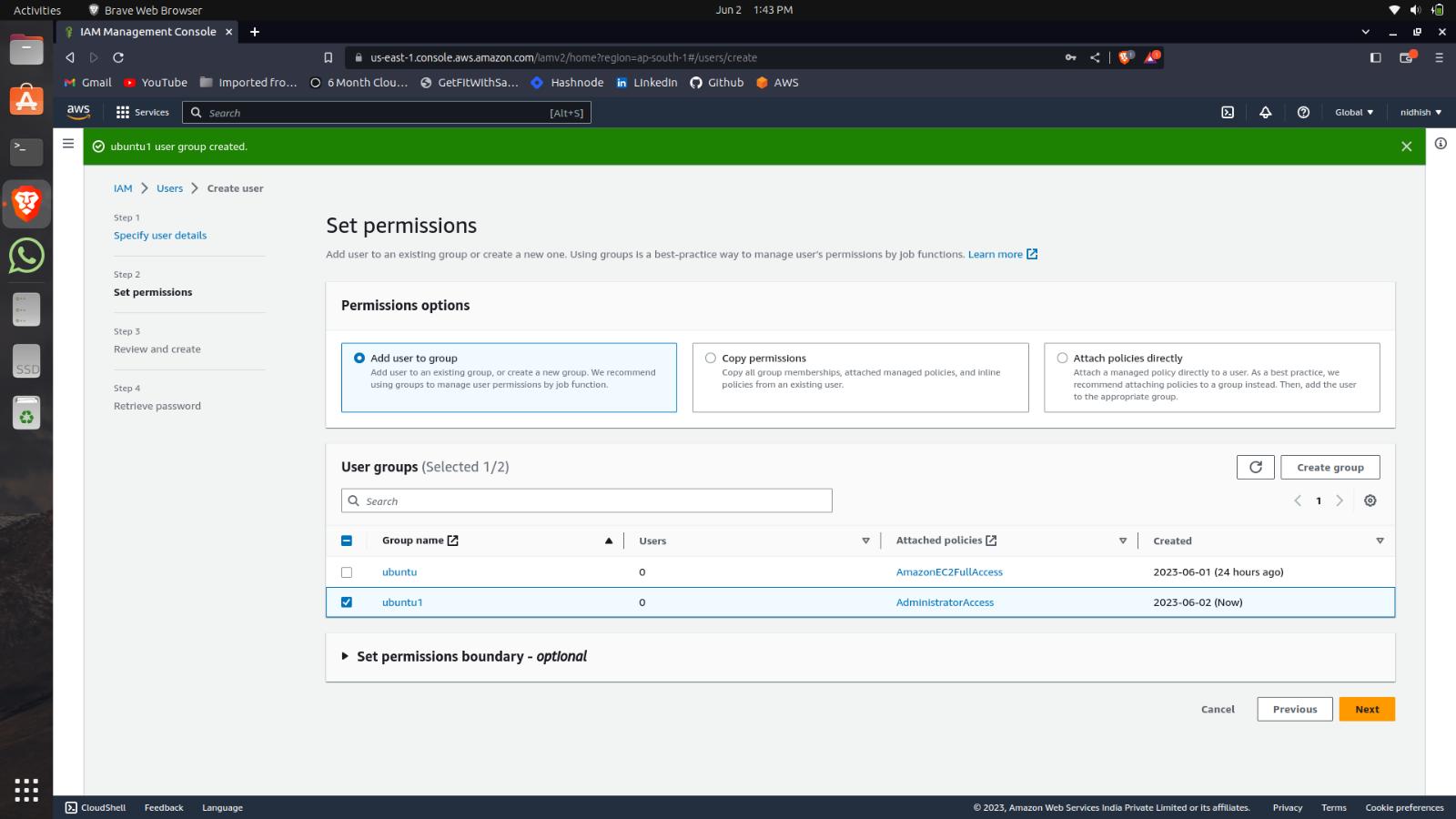
Select the group you created and proceed.
Create the IAM user.
How to access the IAM User
Firstly Copy your Account ID.
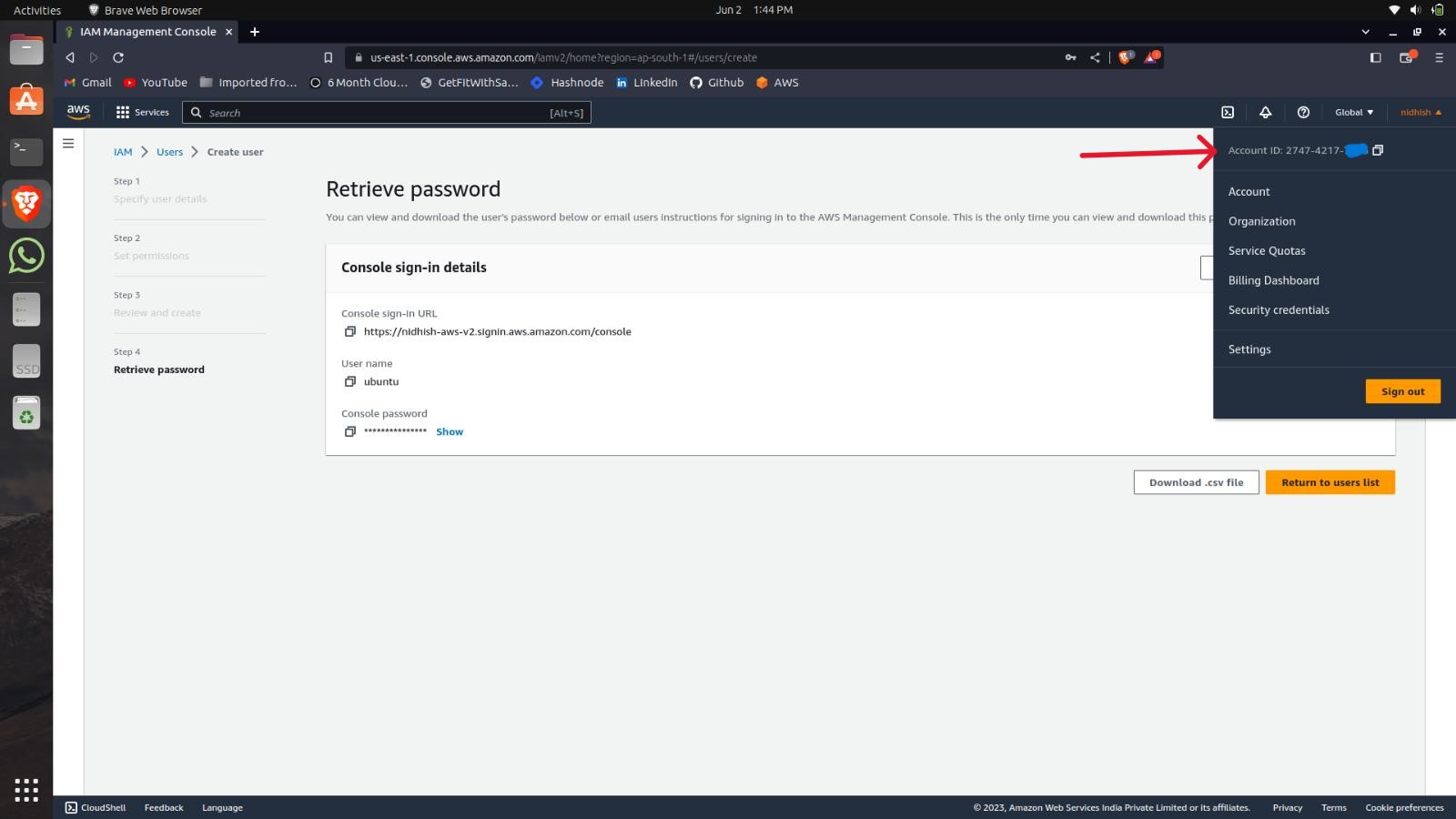
Select the Login as IAM while logging in to your AWS Console.
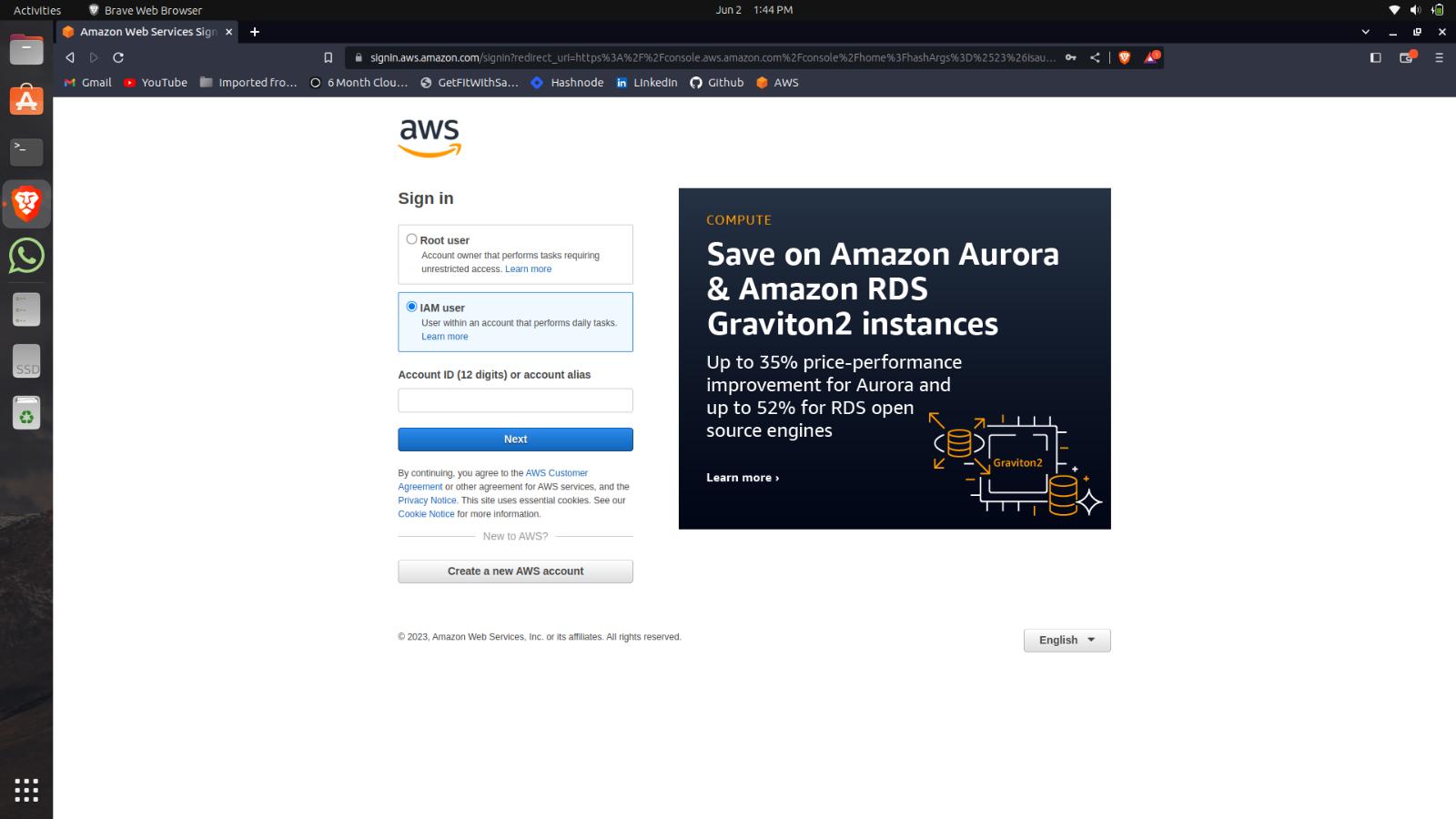
Paste the Account ID here.
A new page will pop up enter your username and password which you created.


